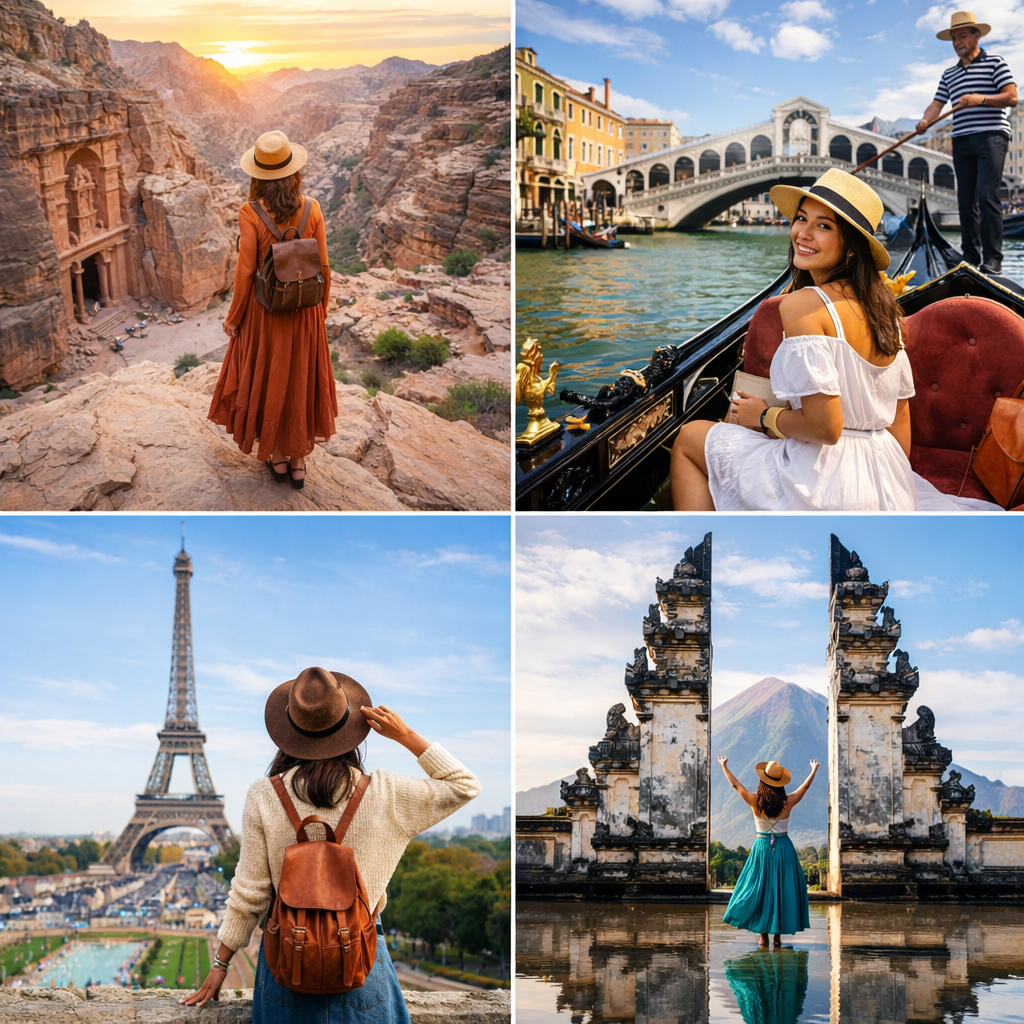
Complete Photographer Guide

Your Complete Guide to
Photography Success

Everything you need to know to build, manage, and grow your photography business from setup to scaling. Follow this comprehensive guide to establish yourself as a professional photographer.

Step-by-step instructions
Industry best practices
Pro tips & tricks
Step 01

Getting Started: Sign Up & Account Setup

Begin your professional photography journey with a strong foundation. Setting up your account correctly from the start ensures smooth operations and professional credibility.

Overview

Your account is your digital business card. Take time to set it up properly to make the best first impression on potential clients.

1

Create Your Account

Use a professional email address that reflects your business. Avoid generic or personal email addresses.

Pro Tips:

Use firstname.lastname@domain.com format
Consider a custom domain for added professionalism
Keep login credentials secure
2

Email Verification

Verify your email immediately to unlock all platform features and establish trust with clients.

Pro Tips:

Check spam folder if verification email doesn't arrive
Add our domain to your safe senders list
Complete verification within 24 hours
3

Set a Strong Password

Protect your account and client data with a secure password using a combination of letters, numbers, and symbols.

Pro Tips:

Use at least 12 characters
Include uppercase, lowercase, numbers, and symbols
Consider using a password manager
Enable two-factor authentication if available

Best Practices

  • Complete setup in one sitting to avoid losing momentum
  • Double-check all information before submitting
  • Save your login credentials in a secure location
  • Enable all security features available

Common Mistakes to Avoid

  • Using personal email addresses
  • Skipping email verification
  • Using weak or easily guessable passwords
  • Not enabling security features
Step 02

Building Your Professional Profile

Your profile is your digital storefront. A comprehensive, well-crafted profile attracts the right clients and sets you apart from competitors.

Overview

A compelling profile tells your story, showcases your expertise, and gives clients confidence in choosing you for their photography needs.

1

Personal Information

Provide accurate contact details and business information. This helps clients reach you easily and builds trust.

Pro Tips:

Use your professional name or business name
Provide multiple contact methods (phone, email, social media)
Add your business location and service areas
Include business hours and response time expectations
2

Photography Experience

Detail your photography journey, specializations, and years of experience. Be honest and highlight what makes you unique.

Pro Tips:

List your photography specializations (weddings, portraits, events, etc.)
Mention years of experience and notable projects
Include any photography education or certifications
Highlight awards, publications, or recognition
Describe your photography style and approach
3

Services & Pricing

Clearly outline your services, packages, and pricing structure. Transparency builds trust and filters qualified leads.

Pro Tips:

Create clear service packages (Basic, Standard, Premium)
List what's included in each package
Specify delivery timelines
Mention any additional services or add-ons
Include your booking process and policies
4

About Me Section

Write a compelling bio that connects with your ideal clients on a personal level while maintaining professionalism.

Pro Tips:

Start with a strong opening line
Share your photography philosophy
Explain why you love what you do
Mention what clients can expect when working with you
Keep it conversational and authentic
Aim for 150-300 words

Best Practices

  • Update your profile regularly with new achievements
  • Use professional language throughout
  • Be specific rather than vague
  • Include keywords relevant to your specialty
  • Proofread everything for grammar and spelling
  • Ask someone to review your profile before publishing

Common Mistakes to Avoid

  • Incomplete profiles lacking key information
  • Generic descriptions that could apply to anyone
  • Unclear pricing or service offerings
  • Outdated information
  • Too much jargon or technical language
Step 03

Creating Your Portfolio

Your portfolio is your most powerful marketing tool. It should showcase your best work, demonstrate your range, and compel clients to book you.

Overview

Quality over quantity is key. A carefully curated portfolio of 20-30 exceptional images is far more effective than 100 mediocre ones.

1

Selecting Your Best Work

Choose images that represent your current skill level and the type of work you want to attract. Be ruthlessly selective.

Pro Tips:

Only include your absolute best work
Show variety within your specialty
Include recent work (within the last 1-2 years)
Remove older work that no longer represents your style
Get feedback from trusted peers before finalizing
2

Image Preparation

Properly prepare your images for web display to ensure they look professional and load quickly.

Pro Tips:

Export at high quality but optimized file size (100-500KB)
Use consistent dimensions (landscape: 2000x1333px, portrait: 1333x2000px)
Apply appropriate sharpening for web
Use sRGB color space
Add watermark if desired (subtle is better)
Ensure proper white balance and exposure
3

Organizing Your Portfolio

Structure your portfolio logically to help clients find what they're looking for quickly.

Pro Tips:

Create clear categories (Weddings, Portraits, Events, etc.)
Lead with your strongest images
Group similar work together
Create albums or collections for different styles
Update regularly with fresh work
4

Writing Image Descriptions

Add context to your images with brief, engaging descriptions that tell the story behind the shot.

Pro Tips:

Keep descriptions concise (1-2 sentences)
Mention the type of session or event
Include location if relevant
Note any special techniques or equipment used
Add relevant keywords for searchability

Best Practices

  • Start strong - your first image is crucial
  • Show consistency in quality throughout
  • Demonstrate technical skill and creativity
  • Include images that show you can handle different lighting conditions
  • Update your portfolio every 3-6 months
  • Remove work that no longer represents you
  • Test how your portfolio looks on different devices

Common Mistakes to Avoid

  • Including too many similar images
  • Low resolution or poorly edited images
  • Inconsistent style or quality
  • Outdated work that doesn't represent current skill
  • Poor organization making it hard to navigate
  • Images that are too large and slow to load

Technical Specifications

file Format

JPEG (JPG)

max File Size

5MB per image

recommended Size

100-500KB per image

dimensions

Landscape: 2000x1333px, Portrait: 1333x2000px

color Space

sRGB

quality

85-95% JPEG quality

Step 04

Getting Bookings & Managing Orders

With your profile and portfolio complete, you're ready to receive bookings. Learn how to manage inquiries, communicate effectively, and deliver exceptional service.

Overview

Success comes from both attracting clients and managing them professionally. Establish clear processes for handling bookings from inquiry to delivery.

1

Responding to Inquiries

Prompt, professional responses make all the difference. Aim to respond within 24 hours, ideally within a few hours.

Pro Tips:

Respond within 2-4 hours during business hours
Address the client by name
Thank them for their interest
Ask relevant questions about their needs
Provide clear next steps
Include your availability
Keep your tone friendly and professional
2

Consultation & Booking

Use consultations to understand client needs, set expectations, and close the booking.

Pro Tips:

Offer phone or video consultation for larger bookings
Ask about their vision and preferences
Explain your process and what they can expect
Discuss package options and pricing
Address any questions or concerns
Send a clear booking confirmation
Collect deposit or full payment as per your policy
3

Managing Your Calendar

Keep your booking calendar updated to avoid double-bookings and maintain professionalism.

Pro Tips:

Update availability immediately after booking
Block off prep and editing time
Set realistic booking limits
Build in buffer time between sessions
Sync with your personal calendar
Send calendar invites to clients
4

Pre-Session Communication

Set your clients up for success with clear pre-session guidance.

Pro Tips:

Send a welcome email with session details
Provide location information and directions
Share wardrobe suggestions or mood boards
Confirm date, time, and location 48 hours prior
Provide your contact number for day-of
Set expectations about weather contingencies
5

During the Session

Deliver exceptional service during the shoot to create happy clients who refer others.

Pro Tips:

Arrive 15 minutes early to set up
Make clients feel comfortable and relaxed
Provide clear direction and posing guidance
Show enthusiasm and energy
Capture variety (different angles, compositions)
Check in periodically on client comfort
End on time (respect their schedule)
6

Post-Session & Delivery

The way you handle delivery impacts client satisfaction and likelihood of referrals.

Pro Tips:

Cull and backup images immediately
Communicate expected delivery timeline
Edit consistently with your style
Deliver via professional gallery platform
Include more images than promised
Provide download and printing options
Follow up after delivery for feedback

Best Practices

  • Set clear policies and stick to them
  • Always over-deliver on promises
  • Maintain professional boundaries
  • Keep detailed records of all bookings
  • Use contracts for all paid work
  • Request reviews from satisfied clients
  • Build systems for repetitive tasks
  • Continuously improve based on feedback

Common Mistakes to Avoid

  • Slow response times to inquiries
  • Unclear pricing or booking process
  • Over-promising and under-delivering
  • Poor communication after booking
  • Missing delivery deadlines
  • Not collecting payment upfront
  • Lacking clear cancellation policies

Additional Success Strategies

Take your photography business to the next level with these proven strategies and professional insights.

Growing Your Business

  • Ask satisfied clients for reviews and testimonials
  • Offer referral incentives to existing clients
  • Maintain active social media presence
  • Network with other wedding vendors
  • Consider paid advertising once established
  • Attend local business networking events
  • Create valuable content (blog, tutorials, tips)

Professional Protection

  • Always use written contracts
  • Carry liability insurance
  • Have equipment insurance
  • Backup all work in multiple locations
  • Use model releases when appropriate
  • Understand copyright and usage rights
  • Keep detailed financial records

Client Experience Excellence

  • Respond to all inquiries within 24 hours
  • Send thank you notes after sessions
  • Create client welcome guides
  • Offer surprise bonuses or extras
  • Request feedback and act on it
  • Celebrate client milestones
  • Build a community around your brand

Workflow Optimization

  • Use email templates for common responses
  • Create checklists for different session types
  • Batch similar tasks together
  • Invest in workflow automation tools
  • Set designated admin days
  • Use project management software
  • Regularly review and improve processes

Ready to Start Your Photography Journey?

Join thousands of successful photographers who have built thriving businesses using our platform. Get started today and turn your passion into profit.

Have questions? Check out our FAQ section or reach out to our support team.